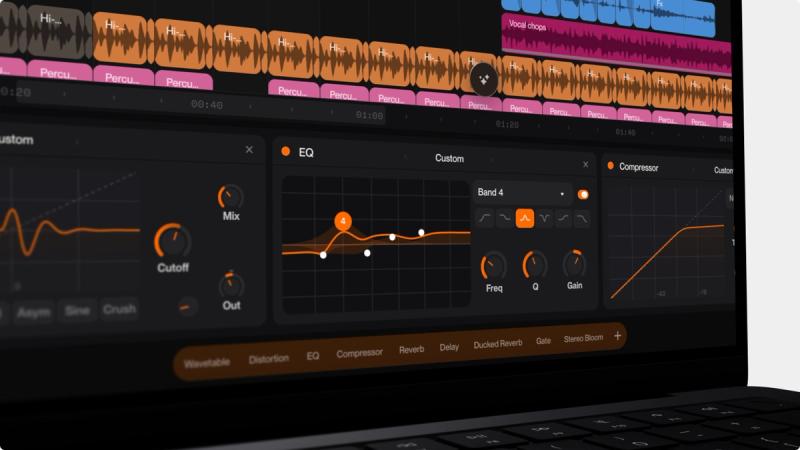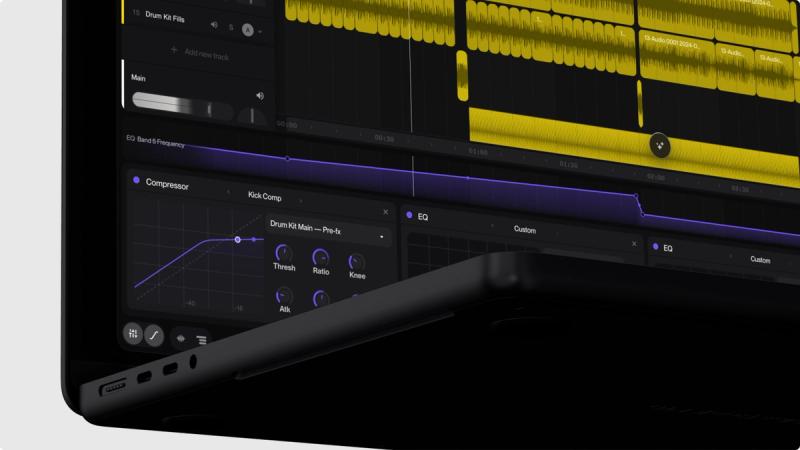
We’ve made some significant updates to Suno Studio, the inspirational Generative Audio Workstation available to Suno Premier subscribers.
The new features make Studio an even more powerful tool for music creators wanting to gain greater control over the composition and production process — without leaving Suno.
Here’s what’s new:
Remove FX
This feature lets you remove effects from audio clips in Studio. Let’s say you have a vocal with a lot of reverb, Remove FX will generate effects-free versions, so you can export to your DAW and dial in your own settings using your favorite plug-ins.
Warp Markers with Quantize
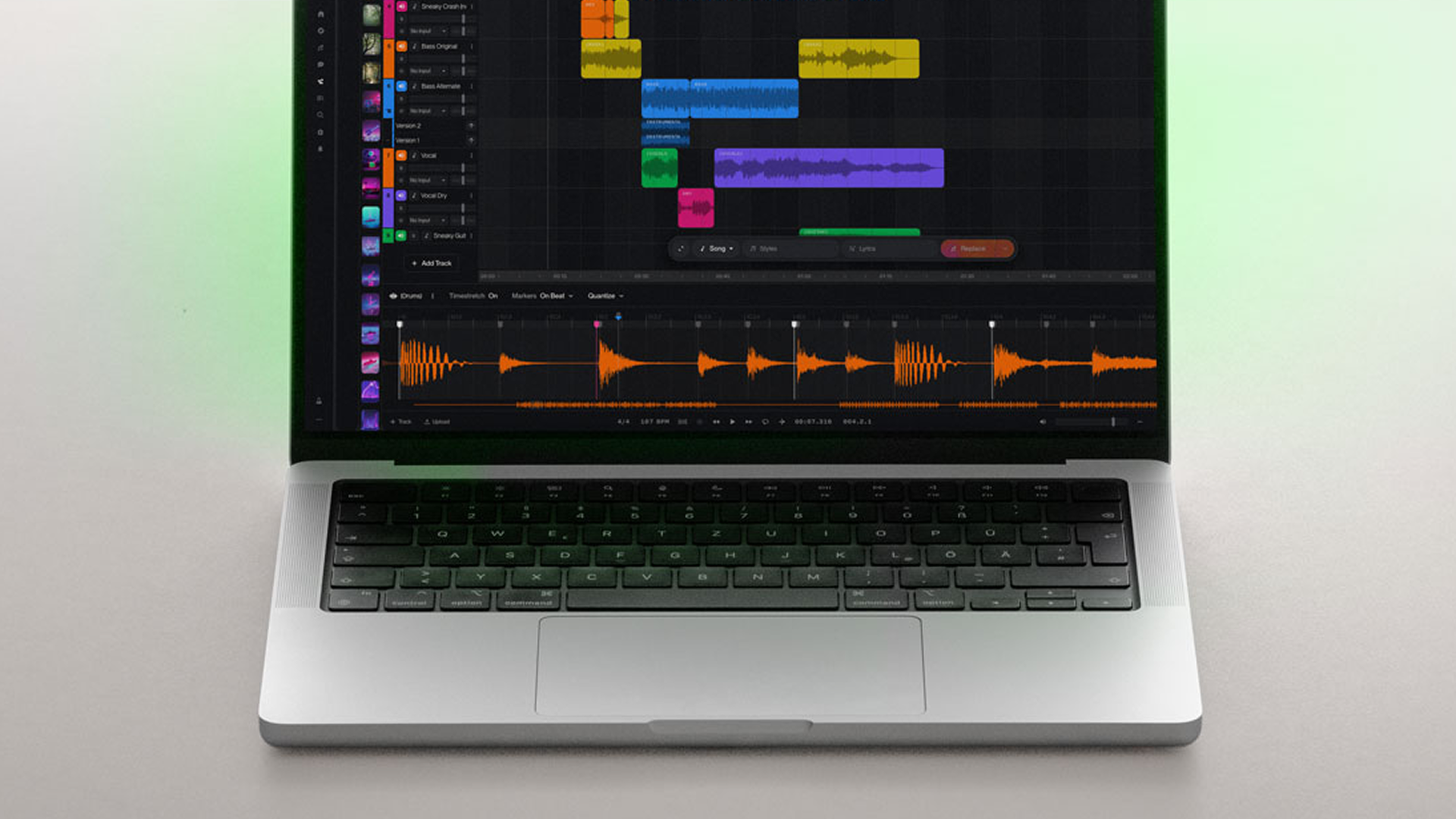
Now you can adjust the timing and groove of audio clips with Warp Markers. Double click on a clip and set markers throughout your audio file, or automatically set markers on each transient to time-stretch audio. You can also quantize loose recordings to the grid, so that everything locks to the tempo.
Alternates
We’ve updated the behavior of take lanes. Now you can create alternate variations of your sounds and audition them all from one track in Suno Studio, in a more streamlined way than before. With Alternates, you can preview takes quickly, choose your favorite one, and keep your session organized.
Time Signature Support
Suno Studio now supports time signatures other than 4/4. You can create Studio sessions with a 6/8 time basis, for example, or dive into your math rock phase with odd-meter time signatures like 7/8 or 11/4.
We’re on a mission to give pro creators deeper control over their Studio sessions, so you can reach your creative goals faster, with fewer barriers. We hope you enjoy the new features. Dive in and let us know what you think via suno.com/feedback.